How to Play Sensory Overload
Turn chaotic tunnels into readable rhythm challenges.
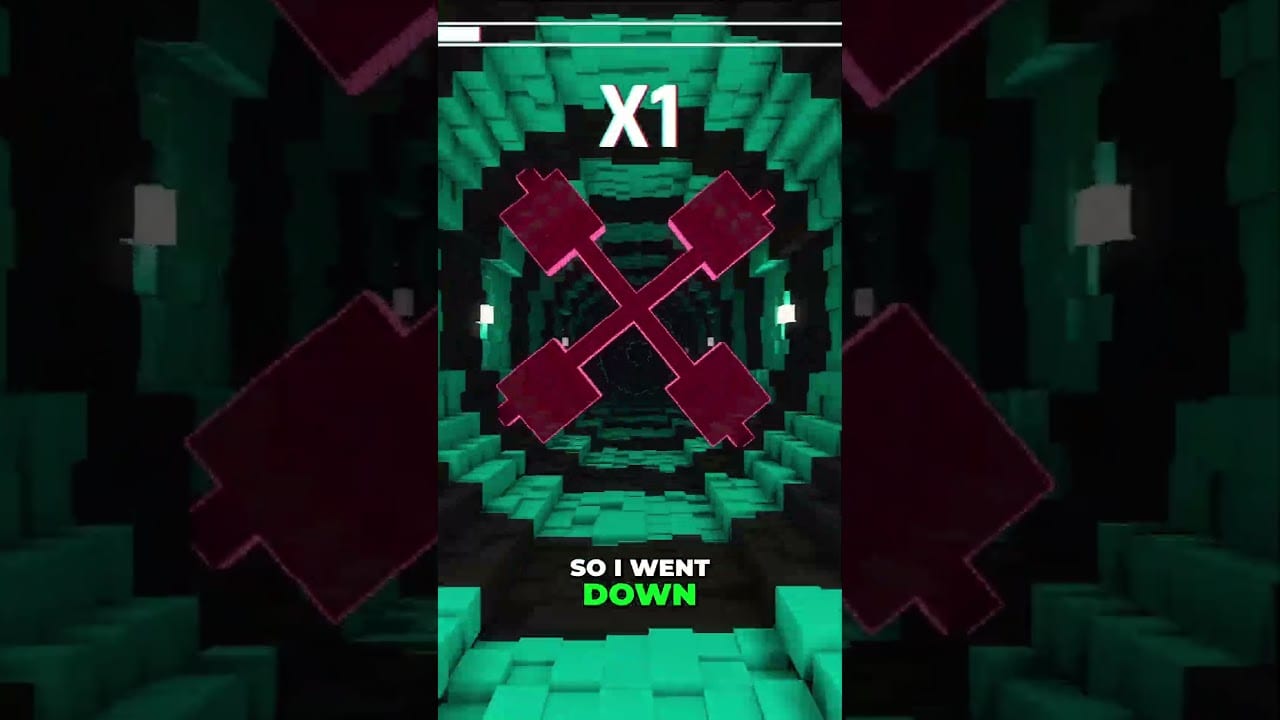
How to play Sensory Overload is less about memorizing a huge control scheme and more about training your eyes and inner ear to disagree without panicking. You drop through tunnels. Obstacles demand left-right corrections, jumps, and fast-falls. Meanwhile walls breathe, colors cycle, and rotation scrambles your sense of up. This guide expands Getting Started into durable technique you can reuse on every level.
The core loop
- Fall with momentum the game provides.
- Read the next gap early using peripheral cues.
- Correct with a short tap — not a held strafe.
- Optionally graze for near-miss score if survival is already stable.
- Reset calmly after deaths; update your pattern memory.
That loop never changes. What changes is how many visual layers try to interrupt it. Normal mode introduces complexity gradually. Ranked stacks effects sooner. Zen removes score pressure so you can rehearse reading. Compare them in the Modes Hub.
Movement grammar
- Mouse-forward micro-moves. Design intent favors mouse precision over held WASD strafing so near-misses stay honest with a point-sized collider — details in Mechanics Deep Dive.
- Tap, do not drag. Each correction should move you less than one character width when possible.
- Center after every dodge. Returning to a neutral lane prevents cascade wobble.
- Jump sparingly. Jump exists for specific obstacle silhouettes; using it as panic verticality often mis-times the next gate.
- Fast-fall on purpose. Holding down/S is for compression windows and tight vertical shafts, not a permanent speed addiction.
- Pause without shame. ESC exists so you can break vestibular lock before the next attempt.
Full bindings live on Controls, including controller and Steam Deck notes. Use Practice Mode checkpoints to isolate one habit at a time, and Accessibility Settings if readability — not skill — is ending runs.
How to read the tunnel
Look at edges, not the vanishing-point center. Rotation, breathing, and color shifts telegraph most clearly on the periphery. Keep soft focus on your avatar while your edges track motion. Many strong players describe this as “watching the frame, not the prop.”
Count beats. Early Vertigo obstacles often sit on a predictable musical grid. If you can nod your head to the spacing, you can pre-move instead of reacting late. When color camouflage hides an edge for a frame, trust the beat you already counted.
Difficulty layers you must recognize
- Basic rotation
- High-contrast color cycling
- Wall breathing / gap compression
- Mirrored geometry and false paths
- Strobe or rapid palette flips
- Stacked chaos (especially Apocalypse and Ranked)
Details for named stages live under Levels — start with Vertigo, then Nausea & Peristalsis, then Apocalypse. The Difficulty Tier List ranks how those layers feel in practice.
Near-misses and score
Passing extremely close to an obstacle can trigger near-miss feedback and feed a score multiplier. Near-misses are optional style points, not survival requirements. Farm them only after your lane discipline is stable. In Ranked, greed near-misses during the first thirty seconds are a common way to throw a promising run. See Ranked Mode for phase-based priorities.
Flow state is a mechanic
Paradoxically, overthinking each obstacle raises death rate. The game rewards instinctive timing once you have seen a pattern enough times. Train that deliberately:
- Spend runs that are “watch only” — move minimally, study.
- Spend runs that are “tap only” — forbid held strafe.
- Spend runs that are “breathing sync” — inhale on expansion, exhale on contraction during Peristalsis-style walls.
If visual intensity becomes the blocker rather than skill, switch to Motion Sickness Tips and the Comfort Checklist before forcing volume.
Controller and Deck play
Left stick for movement and face-button jump map cleanly. Keep stick deadzones reasonable so micro-corrections remain possible. On Steam Deck, use the Steam Deck Guide for performance and comfort overlays. Handheld play amplifies motion sickness for some people — shorten sessions.
Practice plan for one week
- Day 1–2: Vertigo readability and tap discipline.
- Day 3: Color-shift anchoring on Nausea.
- Day 4: Breathing-wall timing on Peristalsis with fast-fall drills.
- Day 5: Light Apocalypse exposure; stop at dizziness.
- Day 6: Normal endurance without score obsession.
- Day 7: First serious Ranked block after reading Ranked Mode.
Pair mechanical practice with launch logistics from Release Date and hardware checks from System Requirements so demo skill transfers cleanly on August 20, 2026.
Common “I know the controls but still die” fixes
- You are reacting to the obstacle currently beside you instead of the next gate.
- Your eyes chase strobing backgrounds instead of silhouette edges.
- Your shoulders are hunched; posture increases perceived spin.
- You restart instantly without a two-breath reset.
- You jumped into Ranked while Normal still feels noisy.
How to play Sensory Overload well is ultimately how to stay calm inside engineered confusion. Master the grammar above, then let level pages teach each gimmick’s dialect.
Micro-curriculum for stubborn hands
If your hands still hold strafe after an hour, change the device feel temporarily: lower stick sensitivity, or play a keyboard-only block if you main controller. The goal is to interrupt muscle memory that panics. After the interrupt works, return to your main device with the new tap habit.
Add a “no jump” challenge for one session. Many players use jump as emotional verticality when lateral reads fail. Removing jump forces edge literacy. Reintroduce jump later as a specialist tool for specific silhouettes, not as a panic button.
Frequently Asked Questions
Quick answers for demo and launch questions.
What is the most important habit for beginners?
Short movement taps plus peripheral edge tracking. Held strafe and center-staring cause most early deaths.
Should I chase near-misses immediately?
No. Secure survival first. Near-miss scoring is a multiplier layer for stable runs.
Is keyboard better than controller?
Both work. Pick the device that gives cleaner micro-corrections for you, then keep bindings consistent.