Sensory Overload Tools Hub
Practical setup pages that make every guide easier to execute.
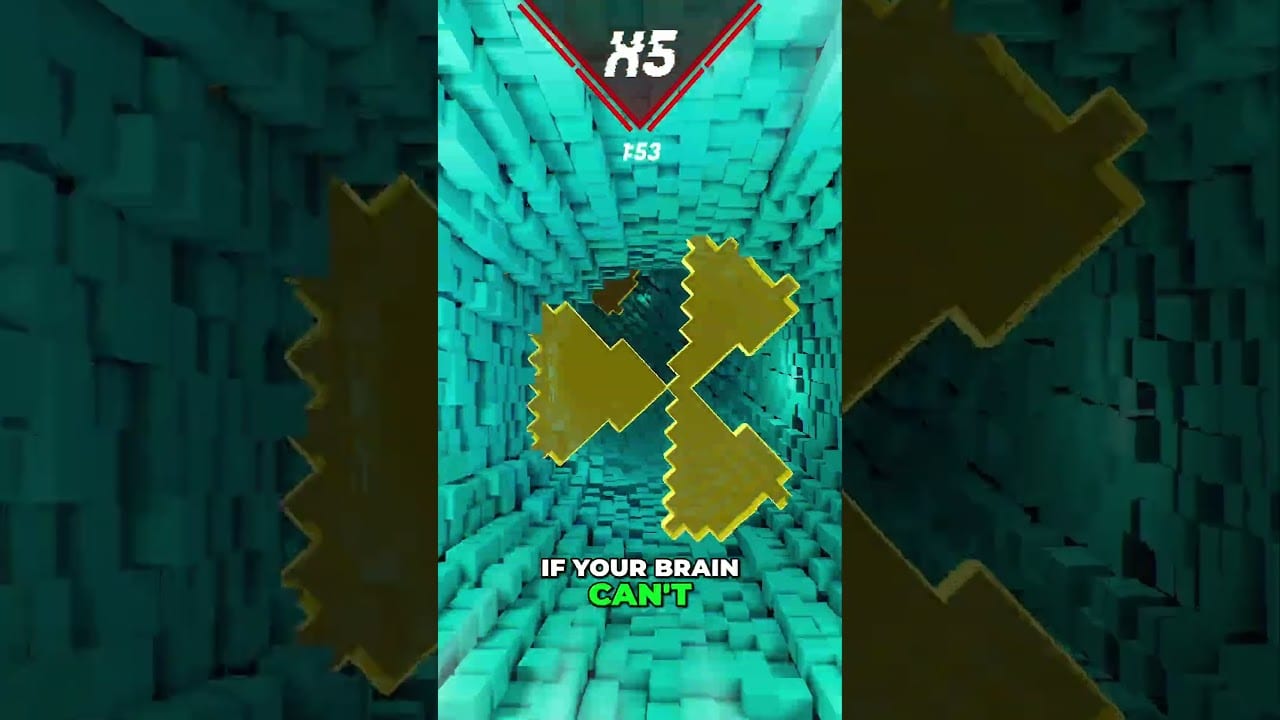
The tools hub gathers utility pages that reduce friction before you enter the tunnel. Guides teach decisions; tools teach setup. Visit these when your deaths feel like hardware, bindings, readability, or comfort failures rather than pattern failures.
Tool pages
- Controls — mouse-forward movement, keyboard, controller, Deck
- Accessibility Settings — crosshair, outlines, speed-line toggle, ultrawide
- System Requirements — Windows/Linux Vulkan specs
- Steam Deck Guide — handheld performance and comfort
- Comfort Checklist — pre-flight sickness prevention
PC navigation shows up to eight items per category; if the list grows further, use this hub as the “view all” landing page.
When to open Tools first
- Fresh install hitching or invisible obstacles on older GPUs
- Input feel inconsistent between mouse, keyboard, and stick
- Illegible color camouflage or nausea from speed lines
- Planning a long Ranked block
- Preparing for August 20, 2026 launch night
Cross-links into play
After setup, continue to Getting Started, How to Play, Practice Mode, and Modes. Level tactics remain under Levels. Patch chronology lives on Patch Notes.
A clean setup will not beat Apocalypse for you. A dirty setup will prevent you from learning why you lost.
Tools before theories
If your game hitches, no guide about edge tracking will save the run. Run Tools first whenever something feels physically wrong about inputs, frames, or contrast. Then return to Guides. This hub exists to interrupt magical thinking about skill.
Recommended tools order for a new install
- System Requirements — confirm you can hold stable frames before blaming Vertigo.
- Controls — lock mouse-forward habits and pause binds.
- Accessibility Settings — crosshair, outlines, speed-line toggle, ultrawide sanity.
- Comfort Checklist — write stop rules before Ranked emotions arrive.
- Steam Deck Guide — only if handheld is part of your week.
Tools during patch weeks
After demo patches, return here before Guides. Renderer and outline changes alter what you think you remember about difficulty. Pair this hub with Patch Notes and re-test one Practice gate before a Ranked block.
Tools and authored content
Map authors should keep Accessibility in mind so courses remain readable when speed lines are off — see Level Editor. Players who bounce off illegible community maps often needed Tools, not more grit.
Launch-night tools kit
On August 20, 2026, keep this hub open beside Steam. Verify requirements, rebuild crosshair once, run the comfort checklist aloud, then enter Getting Started energy instead of chat-driven panic. Tools are how you refuse to waste the launch window on preventable friction.
Bookmark Controls, Accessibility, and Comfort. Those three pages solve more “I suddenly got worse” nights than any clutch tip.
Frequently Asked Questions
Quick answers for demo and launch questions.
Are these interactive web tools?
They are structured reference checklists and requirement sheets designed for fast scanning before play.
Do I need Steam Deck tips on PC?
Only if you also play handheld. PC players should still read Controls and Requirements.
Where do I go after finishing the checklist?
Getting Started, then a short Vertigo block.