Sensory Overload Demo News
What shipped in the free demo and why it still matters.
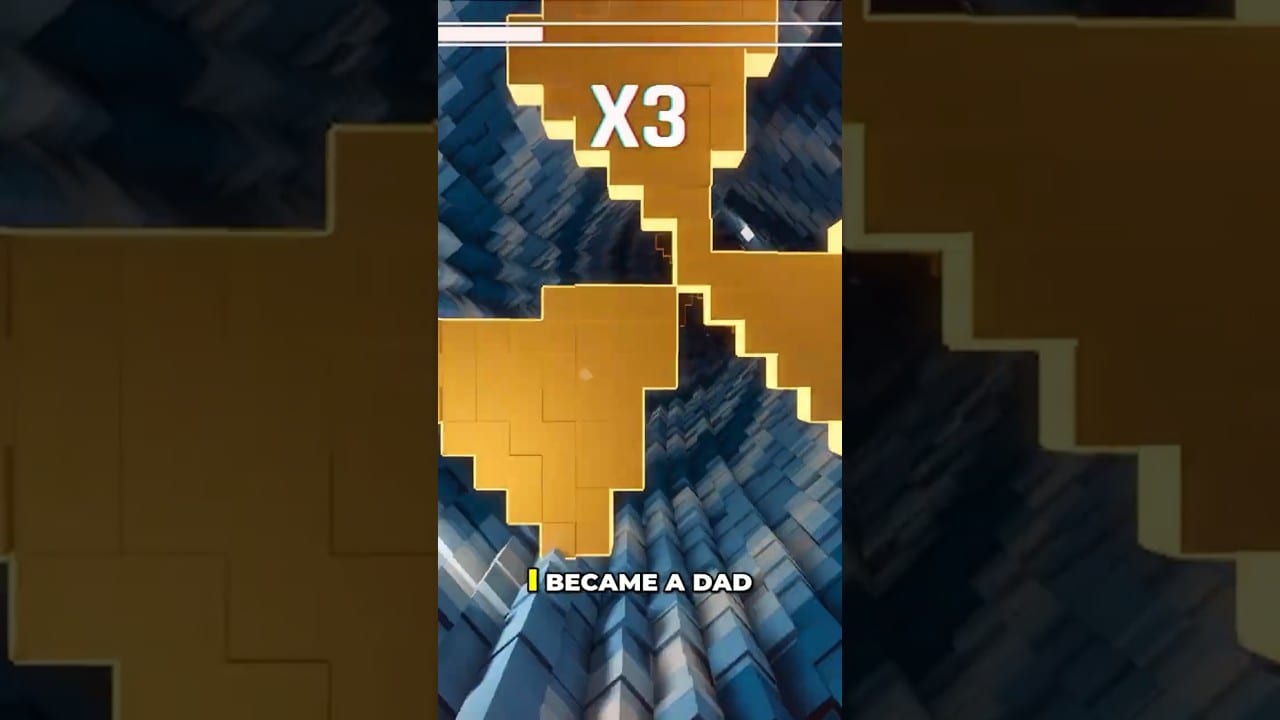
The Sensory Overload demo turned a viral spectator sport into something you can fail at yourself — for free. It went live in the Steam Next Fest window in June 2026 and remains the best honesty check before the August 20 release.
What developers said ships in the demo
- Opening campaign tunnel introduction
- Obstacle and wall-effect sampling
- Music-synced visuals
- Online leaderboards
- Steam Deck support tested
Details and practice routing live in the Demo Walkthrough. Critical take: Demo Review.
Community actions that actually help
Pancake Studios has repeatedly emphasized wishlists, demo reviews (even one line), bug reports, and shared clips. If you want the full game to launch healthy, those actions matter more than quote-tweeting nausea memes.
Find Discord and store links on Official Links.
Wishlist milestones and the human story
The developer’s public thank-you content around five-figure wishlist moments — including the mid-article video — is part of the game’s identity: a solo-origin project that scaled through short-form clips. That context does not change your inputs, but it explains the tone of patch communication and why feedback loops are loud.
Demo progress carry-over
Save transfer into the full release has been discussed as under consideration, not as a locked promise. Play for skill. If carry-over arrives, treat it as a bonus.
When the demo’s job ends
After August 20, 2026, migrate to the full build when available. Keep using demo-learned habits: short taps, edge reads, comfort caps. Revisit Release Date for timing and Roadmap for expectations.
The demo is a laboratory. Use it like a scientist, not like a slot machine.
Demo contribution menu
Wishlist / short review / bug report / clip with useful description / comfort feedback that is specific. “I got sick” helps less than “strobing color on Peristalsis after 8 minutes at high brightness on Deck.” Specificity is kindness to developers.
What already changed during the demo window
Do not treat first-day Next Fest memories as current truth. Demo patches already shipped accessibility crosshair/outline tools, ultrawide support, Compatibility renderer fixes for invisible obstacles on older GPUs, speed-line removal, and pause-menu song options. Read the chronology on Patch Notes and apply toggles via Accessibility Settings.
Practice plan while the demo is free
- Install and verify frames on System Requirements
- Lock mouse-forward habits on Controls
- Drill one hard gate in Practice Mode
- Validate in Normal before chasing leaderboard emotions
- Stop on comfort signals from the Comfort Checklist
Demo myths
- “The demo has no comfort options.” Outdated after mid-June patches.
- “Demo skill will not transfer.” Movement grammar and death taxonomy transfer even if save carry-over is uncertain.
- “Leaderboards mean I should open Ranked cold.” Warm up first — see Modes Hub.
How Demo News relates to Roadmap
This page answers what you can do now. Roadmap answers how to think about 1.0 without inventing calendars. Together they keep hype from rewriting your practice plan every time a clip trends.
Keep the demo installed through launch week even after you buy 1.0, until you confirm the full build covers your training tunnels. Laboratories close only when the experiment ends.
Reporting quality bar
When you file bugs, include: GPU/OS, fullscreen or ultrawide, accessibility preset, approximate level name, and whether obstacles were missing versus merely camouflaged. That distinction decides whether the team looks at renderer paths or color tools.
Demo as Ranked quarantine
Use the demo to discover whether you are a Normal learner or a Ranked addict under social pressure. If leaderboards pull you into cold Ranked every night, rewrite your mode plan on the Modes Hub before August 20 makes the problem louder.
Clip culture versus lab culture
Clips optimize for spectacle deaths. Labs optimize for labeled deaths. Prefer lab culture until your How to Play grammar is boring. Then clip if you want — with comfort rules still on the desk.
Frequently Asked Questions
Quick answers for demo and launch questions.
Where do I download the demo?
From the Sensory Overload Demo Steam page linked via the main store and our Links hub.
Does the demo include Ranked?
Leaderboard-oriented play is part of the demo fantasy — treat Ranked emotions carefully until fundamentals click.
Is the demo still updated?
Check Steam announcements and Discord. Use this page plus Updates Hub for orientation.